
Take the whole workflow, or only the modules you need.
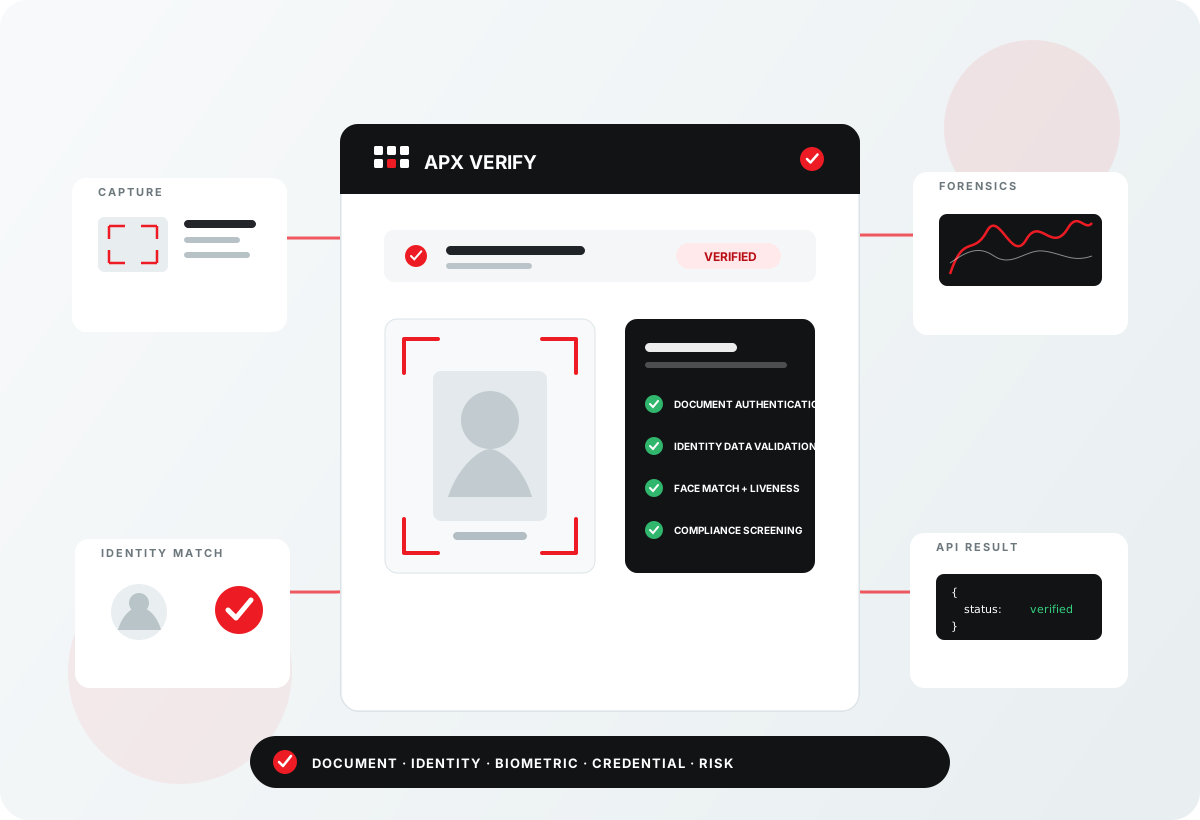
APX-Verify combines document capture, forensic authentication, identity-data validation, biometric matching, digital credential verification and compliance screening in one API-first platform built for your workflows.
2026 coverage update
APX-AAMVA now supports 45 states, with Pennsylvania added as the latest supported state. APX-IDV-Match complements AAMVA with identity-data matching across all 50 states, including Social Security identity data, phone ownership or association, and email identity data.
Ten services, one modular platform
Start with the decision your workflow needs to make, then combine only the capture, verification, matching and screening capabilities required to answer it.
-
APX-IDV-Match · 50-state matching
Corroborate identity data across all 50 states, including Social Security identity data, phone ownership or association, and email identity data.
-
APX-SOR v5 · Registry screening
Screen identities through the APX-SOR v5 workflow, using a dataset refreshed monthly.
Built for identity-sensitive workflows
Use the same modular platform across industries, then select the capture methods, evidence sources and screening steps each market requires.
-
Age-restricted retail
Combine document, age and identity signals where access or purchase eligibility matters.
-
Healthcare and patient intake
Support patient registration and other identity-sensitive healthcare workflows.
Secure transaction handling
APX-Verify APIs are designed to protect sensitive identity data throughout each cloud verification transaction. Requests are processed in memory, results are returned through the encrypted API workflow, and nothing is written to an SSD or hard drive, so there is no stored transaction copy to retain, manage or delete.
Face matching that keeps no biometric
AcuFace does not store or retain biometric data: no templates, images or embeddings are kept after the comparison.
Software first, on hardware you choose
Software-only is a first-class purchase: nothing requires a scanner for a software plan, with one exception, the APX-ADV package, which always requires a compatible scanner.
APX-Verify software runs with Acupixel scanners, with SnapShell, Thales, DESKO and E-Seek scanners, with any TWAIN-compatible scanner, and with a PC webcam.
Go deeper
APX-Verify API overview
How the APX-Verify API is organised, how every call authenticates, how keys are issued, and where to start.
What the APX-Verify cloud keeps
APX-Verify APIs are designed to protect sensitive identity data throughout the cloud verification transaction, from encrypted request through encrypted result delivery.
See it against your own workflow
Tell us what you are building, and ask for an evaluation key if you want one.